
Group Readiness Assurance Testing
gRATify is an open-source web application for administering group Readiness Assurance Tests (gRATs) in Team-Based Learning (TBL).
The application was written by faculty for faculty.
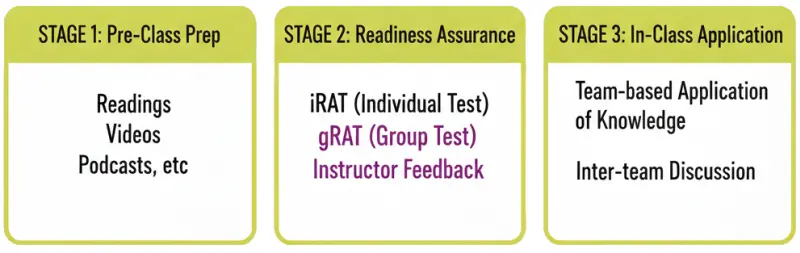
Where gRATify fits in the TBL process
In classic TBL, students prepare before class, take a short individual quiz (iRAT), then retake the same quiz as a team (gRAT). The gRAT is where teams discuss, teach each other, resolve disagreements, and correct misconceptions.
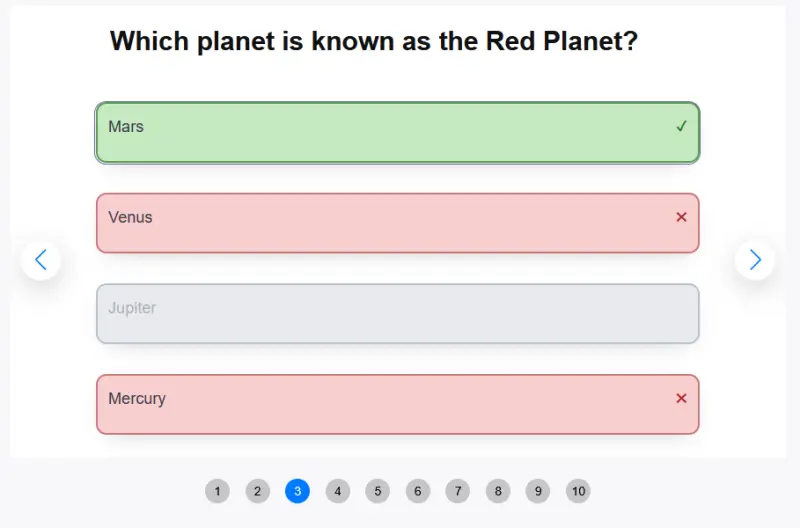
- Teams submit one answer at a time and get immediate correct/incorrect feedback.
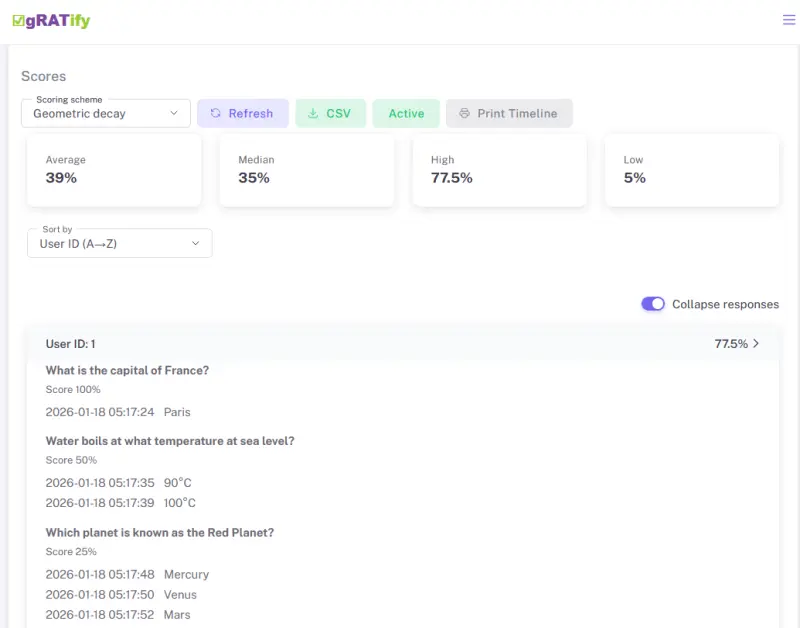
- Teams can retry until correct (with declining credit if you choose that scoring style).
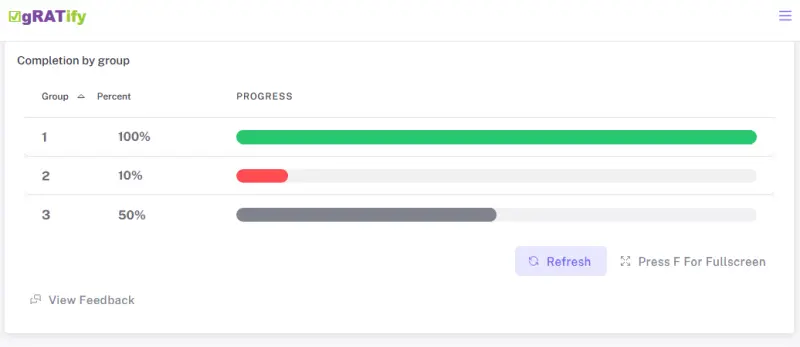
- Instructors can watch progress in real time using progress bars.
- Teams can enter "appeals" of questions where they think their answer was better.
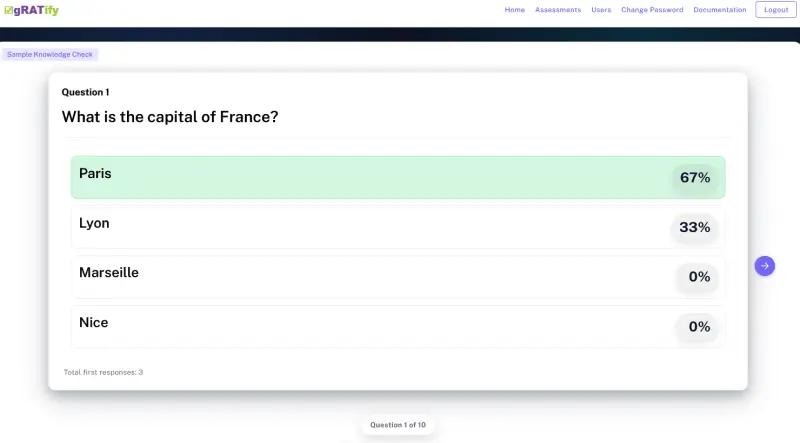
- Instructor feedback is supported by showing the percentage of teams selecting each answer as their first guess.
Pro Tip: Use the "Export in Aiken Format" feature to download your gRATs before the site resets!
Note: This is a hobby. I'm running the demo on a $6 per month server. It's just powerful enough for you to open the application, poke around and see what it does. It might support a few groups doing gRATs. It's not going to be able to run an entire class.
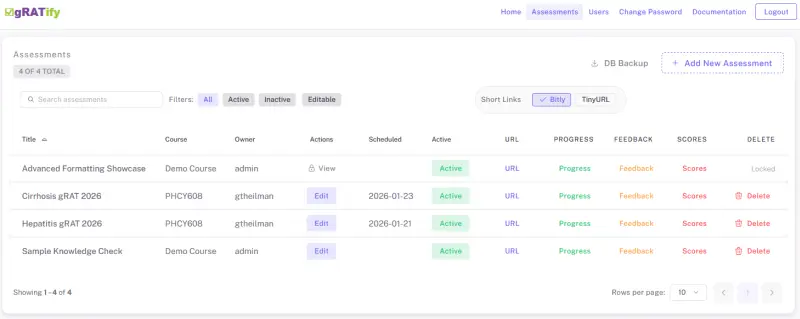
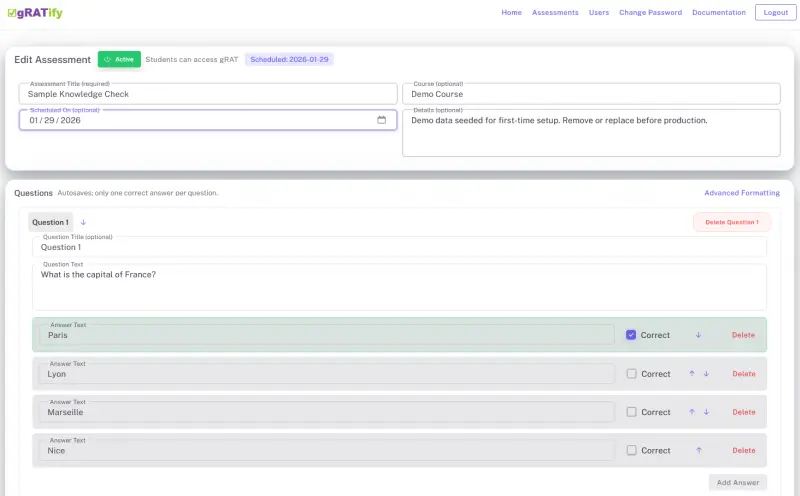
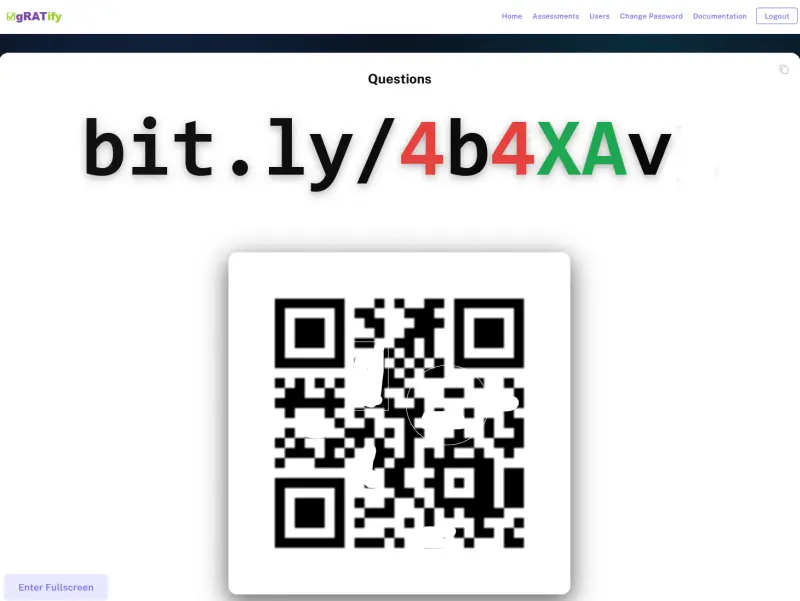
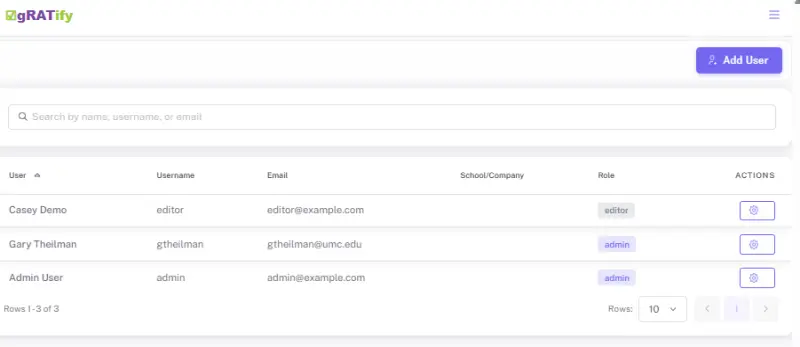
Screenshots
Click any screenshot to view it full size.
Video walkthrough
Short demo tour of gRATify in action.
Demo logins
Pick any editor login below. All demo accounts share the same password and have sample gRATs ready. If one is in use, just grab another.
| Password | |
|---|---|
| [email protected] | password |
| [email protected] | password |
| [email protected] | password |
| [email protected] | password |
| [email protected] | password |
| [email protected] | password |
| [email protected] | password |
| [email protected] | password |
| [email protected] | password |
| [email protected] | password |